
In this article:
Open Gmail
Under Manage Accounts select Add another account
Under Add account, select Other(IMAP)
Enter your email address and tap Next...
Incoming Server Settings:
Username:
your email address
Password:
••••••••••••
IMAP server:
mail.tierra.net
Port:
993
Security Type:
SSL/TLS
Tap Next...
Outgoing Server Settings:
Username:
your email address
Password:
••••••••••••
IMAP server:
mail.tierra.net
Port:
465
Security Type:
SSL/TLS
Tap Next...
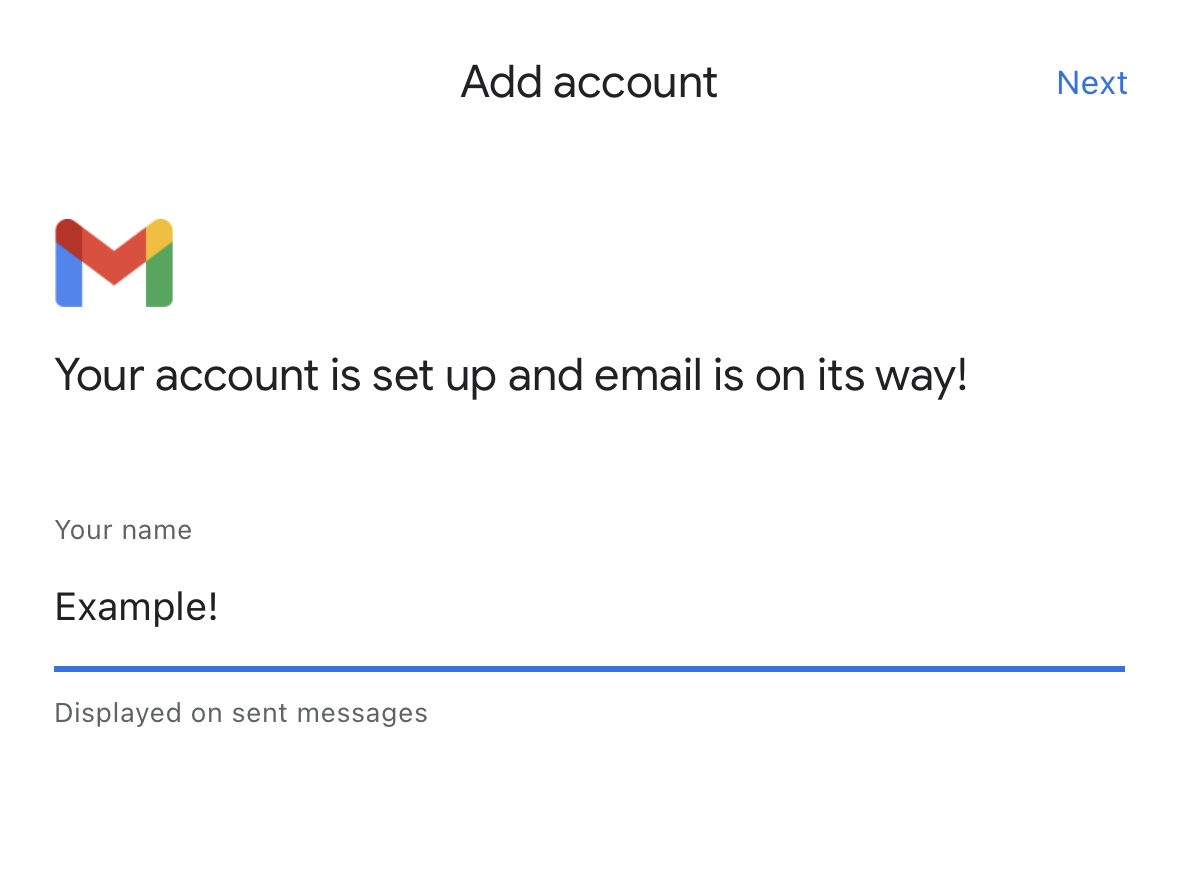
Congratulations! You've successfully connected to Gmail!
Having trouble connecting?
- Ensure your username and password are correct. Sign into webmail to verify your credentials are valid.
- Contact support, we're here to help!
Comments
0 comments
Please sign in to leave a comment.